📜 You can use any series (custom or autogenerated) in Test mode. TestAPI offers also a nice little functionality that you can use during class : the sessions !
When starting a test, you first get into this page :
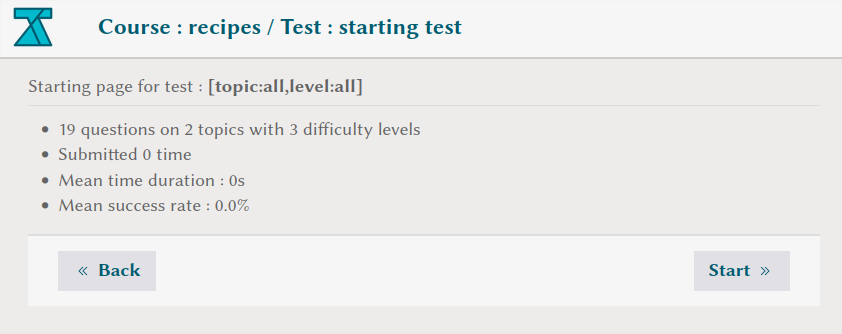
In particular, it gives some infos and statistics about the test, that are however very high level and computed for all previously submitted tests on this series.
🔔 If you want a more detailed analysis of this test for a given set of submissions, you can use the session feature of TestAPI. For that, just add the following parameter on your browser's URL :
&session=ouiii
⚠️ Not the three
iiiatouiii😉
This will get you to a page like this :
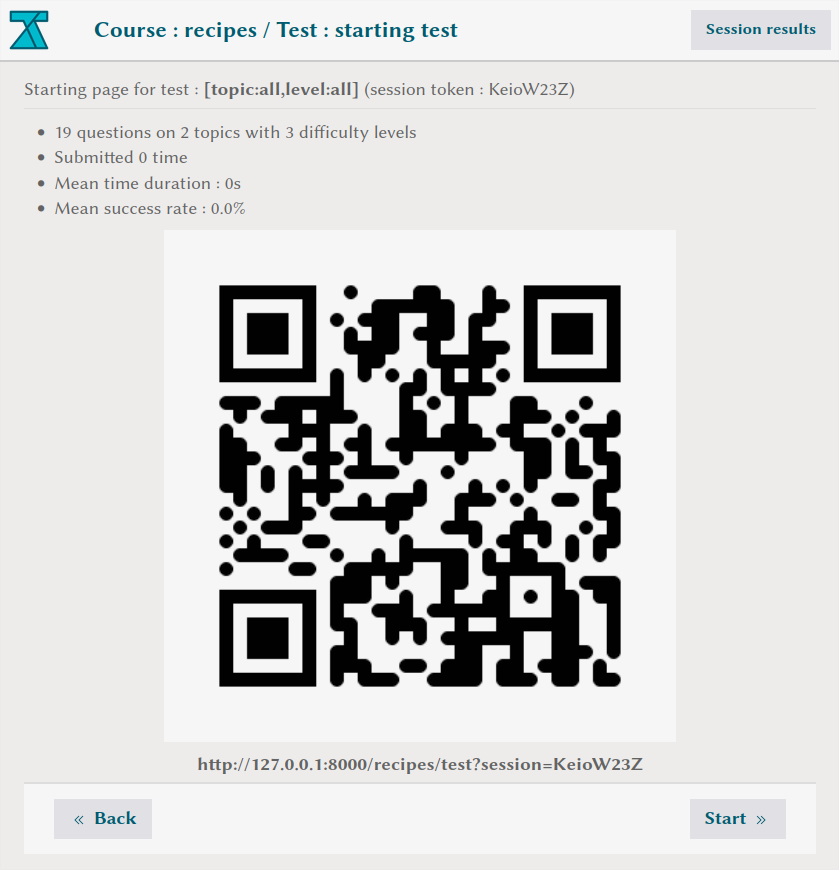
This QR code can be scanned by the students to start the test on this session, which will store (anonymously) all submitted answers and allow to get more detailed statistics that you can see later by clicking on Session results in the top right.
Note : students who want to do the session with their own laptop can simply use the following link below the QR code.
???
Just so you know ...
⚠️ Depending on the test you started, there may be no interrogation point in the URL of your browser already. In that case, you'll have to add
?session=ouiiiinstead to initialize the session.